
Education · Nursery to Year 6
Sumflower Maths
Where sums grow
Sumflower Maths helps primary schools make number facts secure, from counting in Nursery to times tables and Year 6 arithmetic. Teachers lead at the whiteboard with ten-frames, arrays and number lines. Pupils then practise for a few minutes on the class tablet, and staff see which facts each child has secure.
Sumflower Maths is in its pilot with a first school. Lessons and screens will change as teachers tell us what works, and we won’t claim results until the pilot has data.
Nursery to Year 6
One way of teaching number facts across the whole school.
A few minutes a day
Short practice turns on the class tablet, with the time set by the school.
No ability labels
Staff see “secure” and “not yet secure”, fact by fact. Pupils are never grouped or ranked.
AI for staff only
Pupils never talk to an AI. Their hints are written and recorded by people.
How a lesson runs
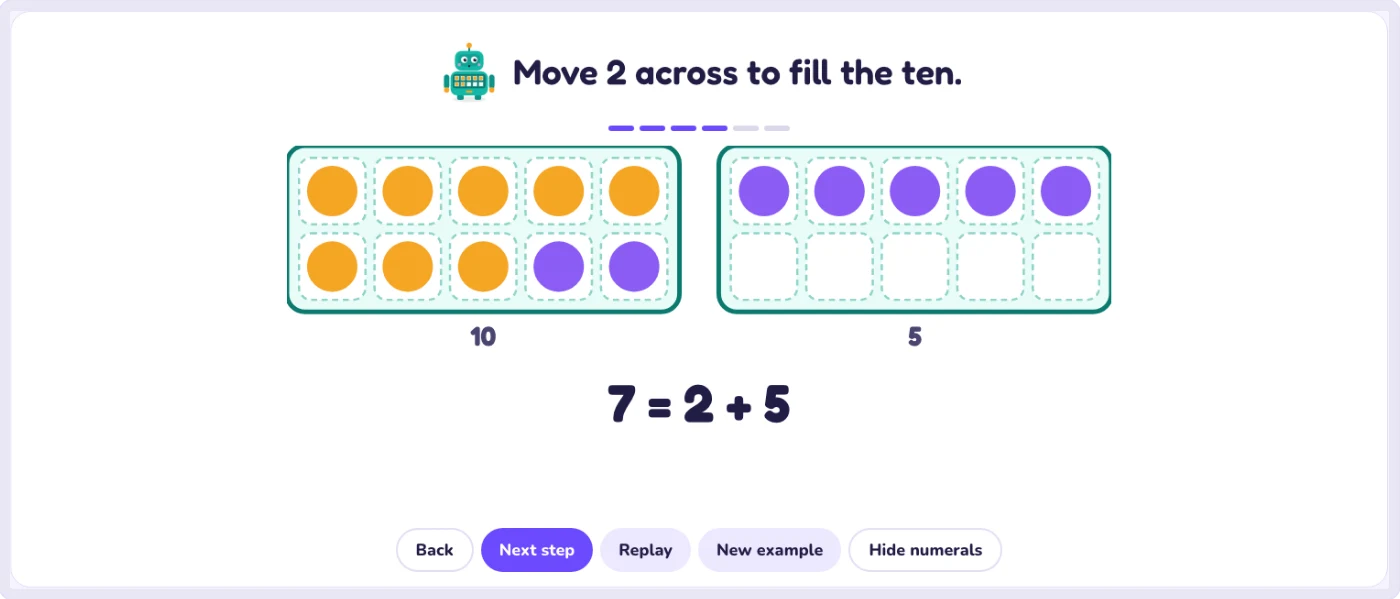
The teacher leads the whole class at the whiteboard. Each lesson teaches one fact or strategy through a structure everyone can see, such as a ten-frame, a part-whole model, an array, a number line or a bar.
- The structure moves on the board, so the class watches the strategy happen. Every step has a caption that can be read aloud.
- Partners talk about what they notice before anyone writes an answer.
- Pupils move real counters on ten-frames before they write the number sentence.
- Every lesson has a support path and a “Prove it” stretch, and the teacher decides on the day who takes which.
- A few minutes of whole-class recall each day, with no devices.
- Schools can follow the suggested order across the year or set their own.
How pupils practise
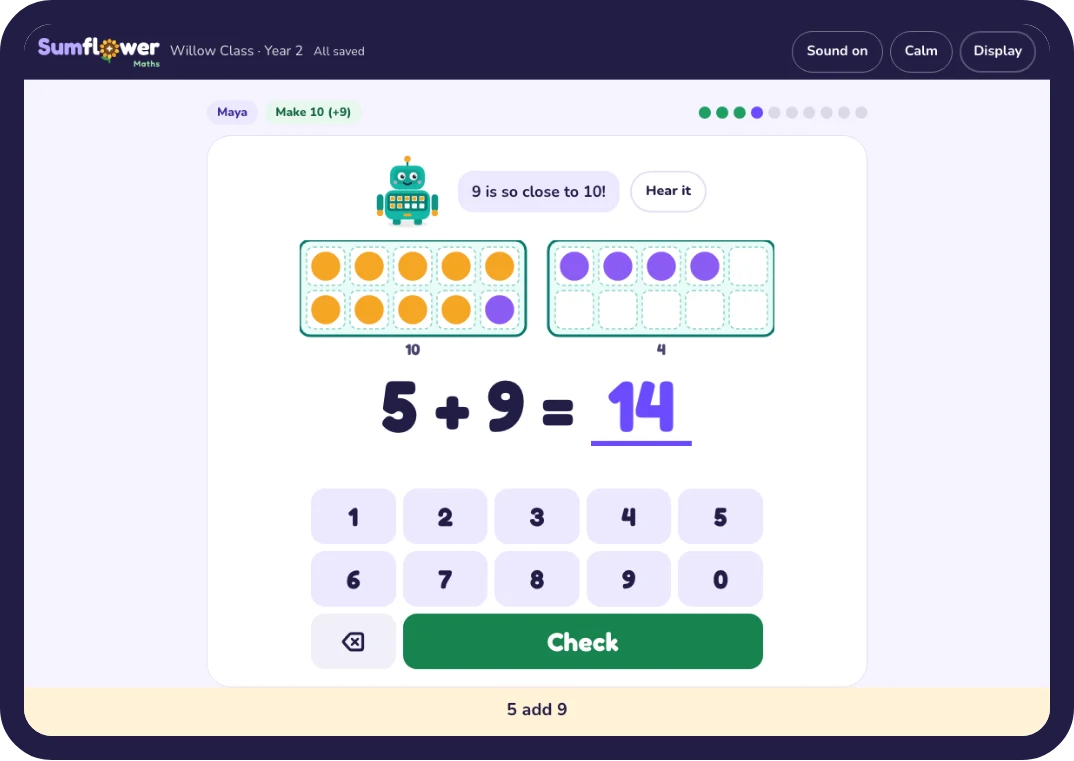
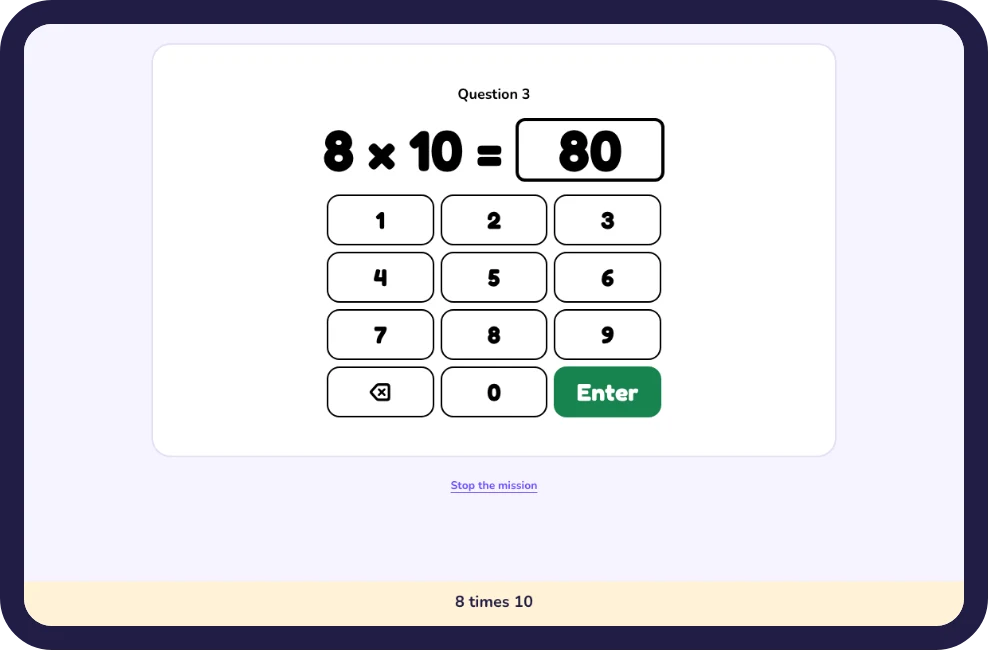
After the lesson, pupils spend a few minutes on the class tablet. Each turn is chosen for what that pupil is learning now, and brings back earlier facts so they stay secure.
Picture sign-in
A pupil taps their name, then their own picture. There’s no reading, typing or password to remember.
Read aloud
Every question can be heard, with captions on screen. In Nursery and Reception, children tap amounts and never need numerals.
The right next question
The app keeps a record of each fact, picks the ones that aren’t secure yet, and brings secure ones back at growing intervals.
Have another go
There’s never a buzzer. A wrong first answer brings a hint built from the structure, such as the ten-frame or the array turned round.
Time set by the school
The school decides how long pupils spend on the tablet each day. When the time is up, the pupil finishes their turn and stops.
Works without Wi-Fi
Answers wait safely on the tablet and send when it reconnects.
What staff see
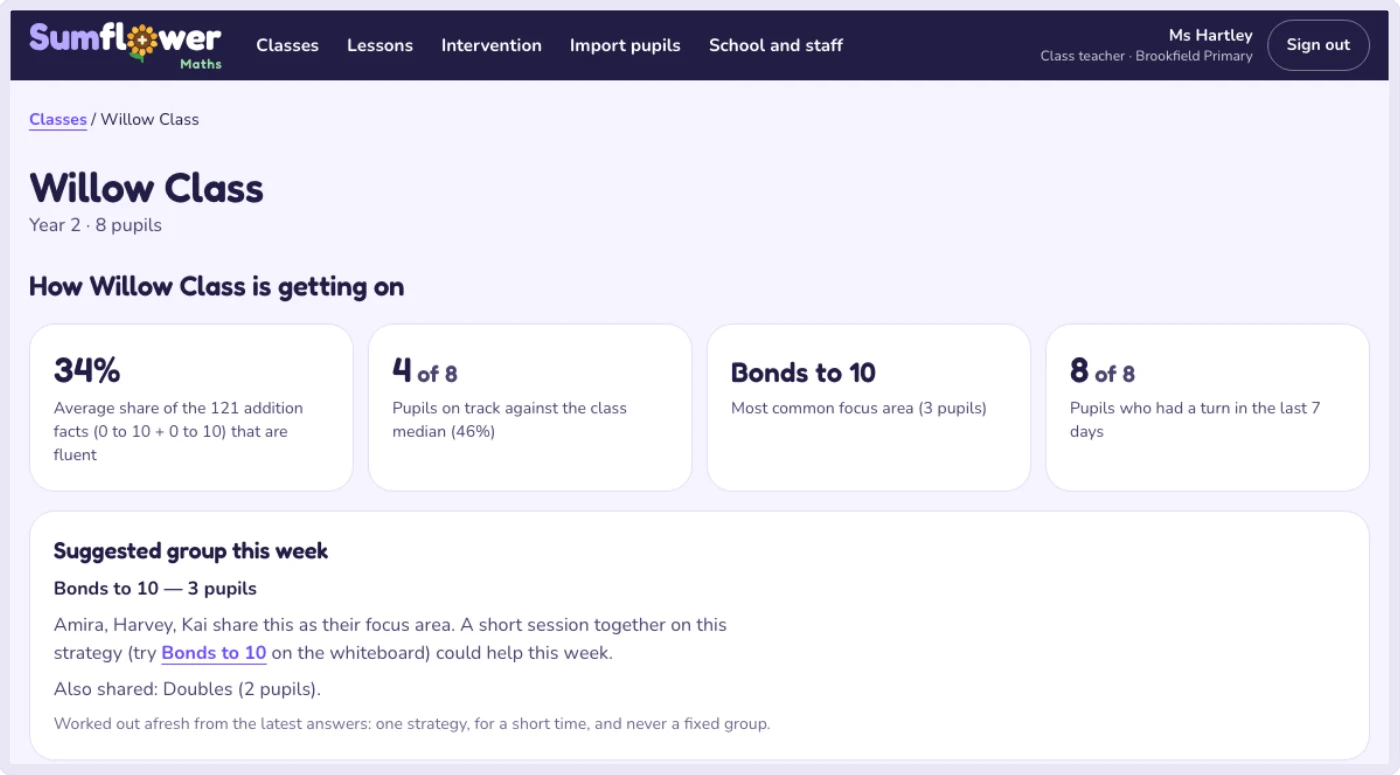
Practice marks itself, so there’s nothing to mark. Staff get a clear picture of every class, fact by fact, and a focus for what to teach next.
- Class teachers see which facts the class has secure, which aren’t yet, and who hasn’t practised this week.
- Each pupil has a record of every fact, their answers over time, notes and kindness awards.
- Suggested groups for a short session on one strategy, worked out afresh from the latest answers and never stored as labels.
- Teaching assistants get a short script for each strategy, with a support step and a stretch.
- Early years observations and photos link to the early learning goals, so the teacher has the evidence in one place.
- Leaders get year group and whole-school views, a governor report in plain language and a view across a trust’s schools.
- For Years 3 and 4, an estimate of readiness for the multiplication tables check, for staff only.
Rewards without pressure
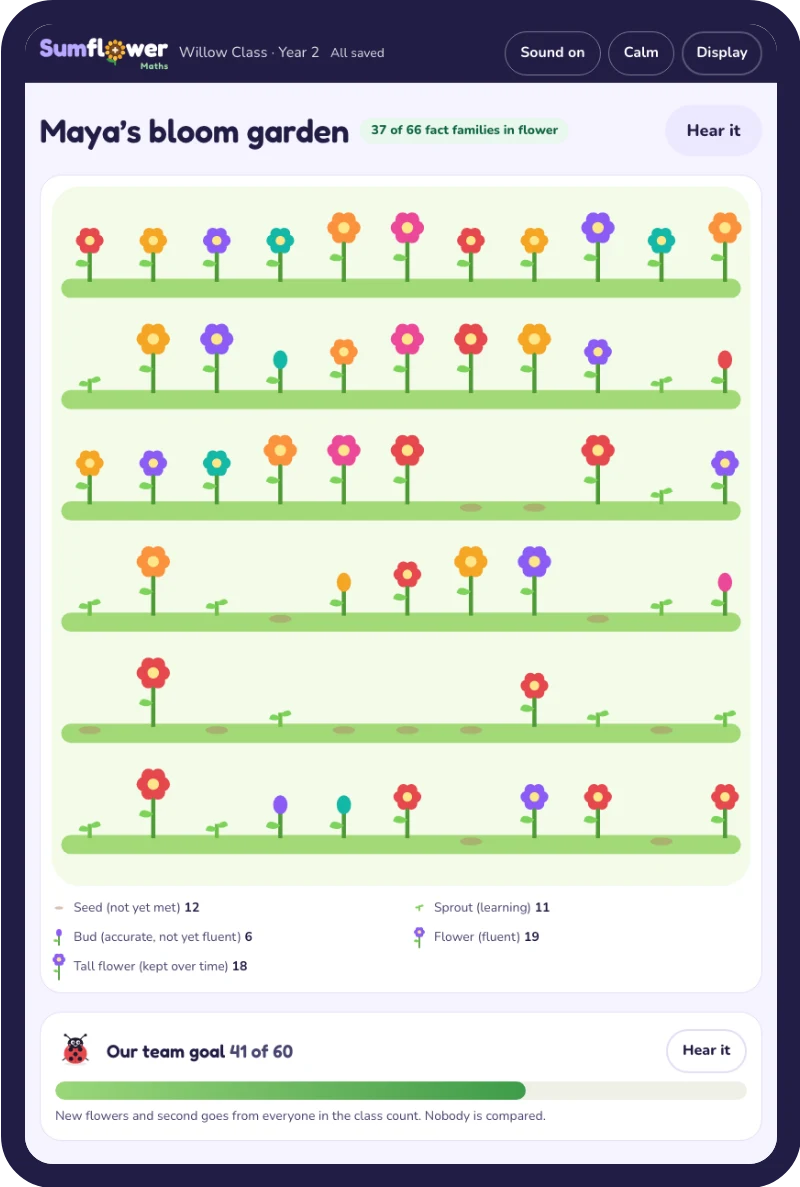
Each pupil has a bloom garden with one plant for every fact family. A plant grows from a seed to a tall flower as its facts become secure, and flowers never wilt if a pupil misses a day or a holiday.
- Rewards come from mastery, from getting it right on a second go, and from kindness, which only staff can award.
- The whole class works towards a shared team goal.
- Nothing is random and nothing is for sale. There are no surprise boxes and no league tables.
- No rewards for time on screen or for logging in every day, and a trophy is never taken away once earned.
- Celebrations stay calm: a short hop and a sparkle, or a still picture when reduced motion is on.
From Nursery to Year 6
The same structures and the same kind of practice run through the whole school. What changes is the maths, and how much children read, tap or type.
- Nursery and Reception
- Children tap amounts, every question is spoken and nothing is timed. Lessons cover the early learning goals for Number and Numerical Patterns, with songs and real objects.
- Years 1 and 2
- Addition and subtraction facts to 10 + 10, learned as strategies such as bonds to 10, doubles, near doubles and making 10. Times tables begin in Year 2.
- Years 3 and 4
- All 121 times-table facts, taught in families with an array first, then speed once a fact is accurate. MTC practice in the statutory format: 25 questions, 6 seconds each.
- Years 5 and 6
- Keeping times tables secure, plus derived facts, factors and primes, decimal bonds, and fractions, decimals and percentages.
Data protection and AI
Sumflower Maths holds as little about pupils as it can, keeps their data in the UK, and uses AI only to help staff.
Pupil data
- The school is the data controller. Sumflower Maths processes data for the school under GDPR and follows the ICO’s Children’s Code.
- A pupil’s record holds their first name, class and year group. No surnames, dates of birth or addresses are needed.
- Pupil data is stored in a London data centre, and each school can only ever see its own pupils.
- School leaders always sign in with two steps, and so does anyone exporting or deleting pupil data.
- Data is deleted automatically at the end of the school’s retention period.
- No adverts, no ad trackers, and pupil data is never sold.
How AI is used
- Teachers can ask for a short insight about a pupil’s practice, or a draft line for a note home.
- Requests carry practice figures only, never names, notes or photos.
- A teacher accepts, edits or dismisses every suggestion.
- Schools can switch AI off, and the insights then come from fixed rules.
- It follows the Department for Education’s product safety standards for generative AI.
Accessibility
Audio-first for children who don’t read yet, with captions, a quiet mode, reduced motion and large touch targets.
What informs the approach
The EEF guidance, NCETM teaching for mastery, the EYFS framework and the national curriculum.
Find out more
The Sumflower Maths website has lesson details for every year group, a guide for parents and the full data protection rules. To talk about Sumflower Maths for your school or trust, email hello@sumflowermaths.co.uk.